The short answer
A clear digital product page tells buyers who the product helps, what they receive, what they can edit, which tools they need and how delivery works. Use real previews and specific scope instead of broad claims about quality or results.
Edit one: Replace the vague title
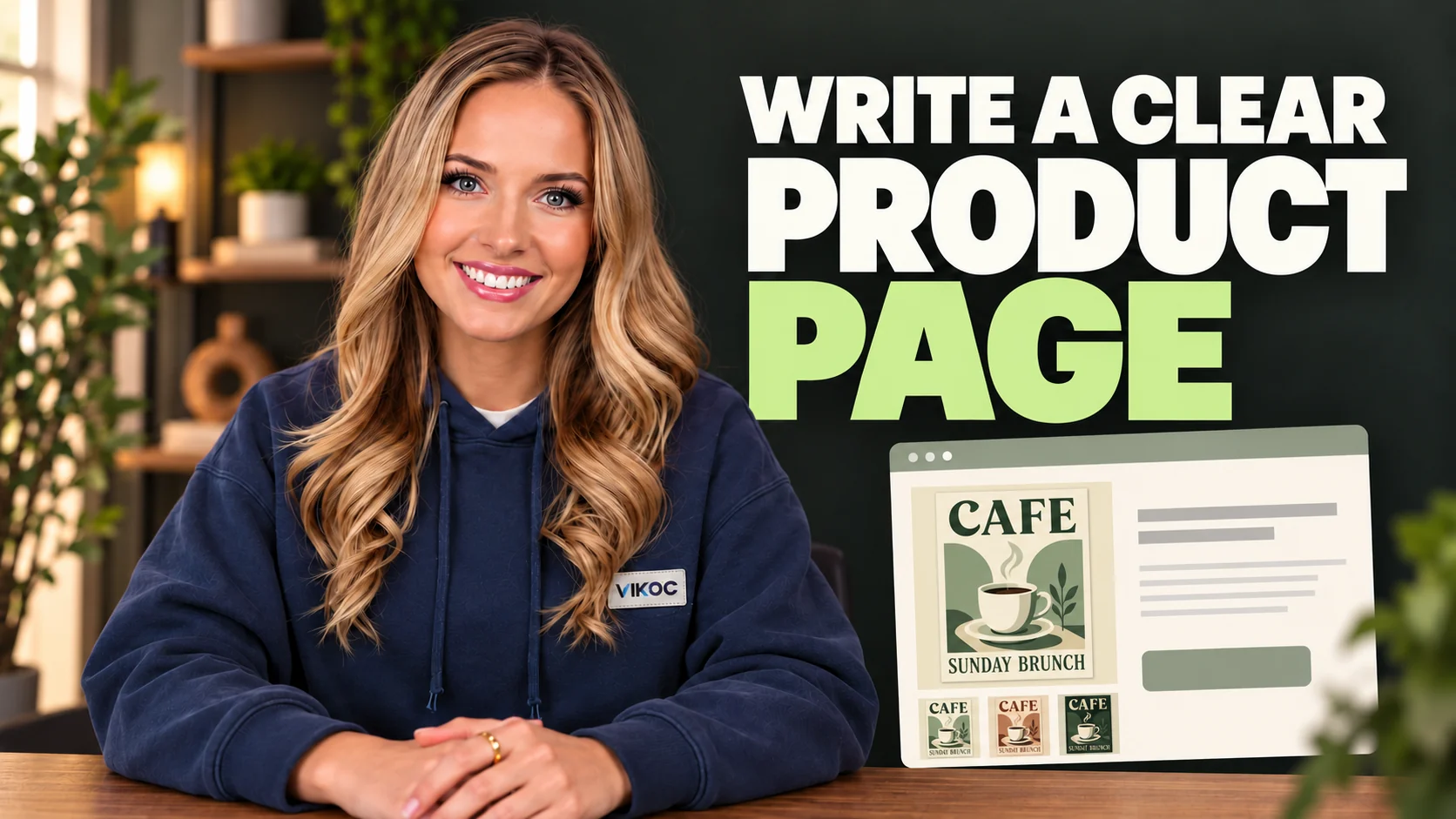
Our deliberately weak title is amazing design bundle. It does not identify the buyer, the use, or the contents. A clearer version is three café promotion posters, with PNG and editable SVG files.
The title does not need to contain every detail, but it should help the right person recognize the offer. Avoid filling it with broad promises like transform your business. In this example, we are selling design files, not guaranteed customer growth.
Keep the claim close to what the product can actually deliver.
Edit two: Name the task and the audience
The weak introduction says take your marketing to the next level. The stronger introduction says promote a new menu, weekend brunch, or coffee tasting with three coordinated poster designs. That sentence gives the buyer a moment of use.
It also helps someone decide that the pack is not relevant to them, which is useful. Clear product copy should reduce confusion, not attract every possible visitor. Use plain language and explain the practical result before listing decorative features.
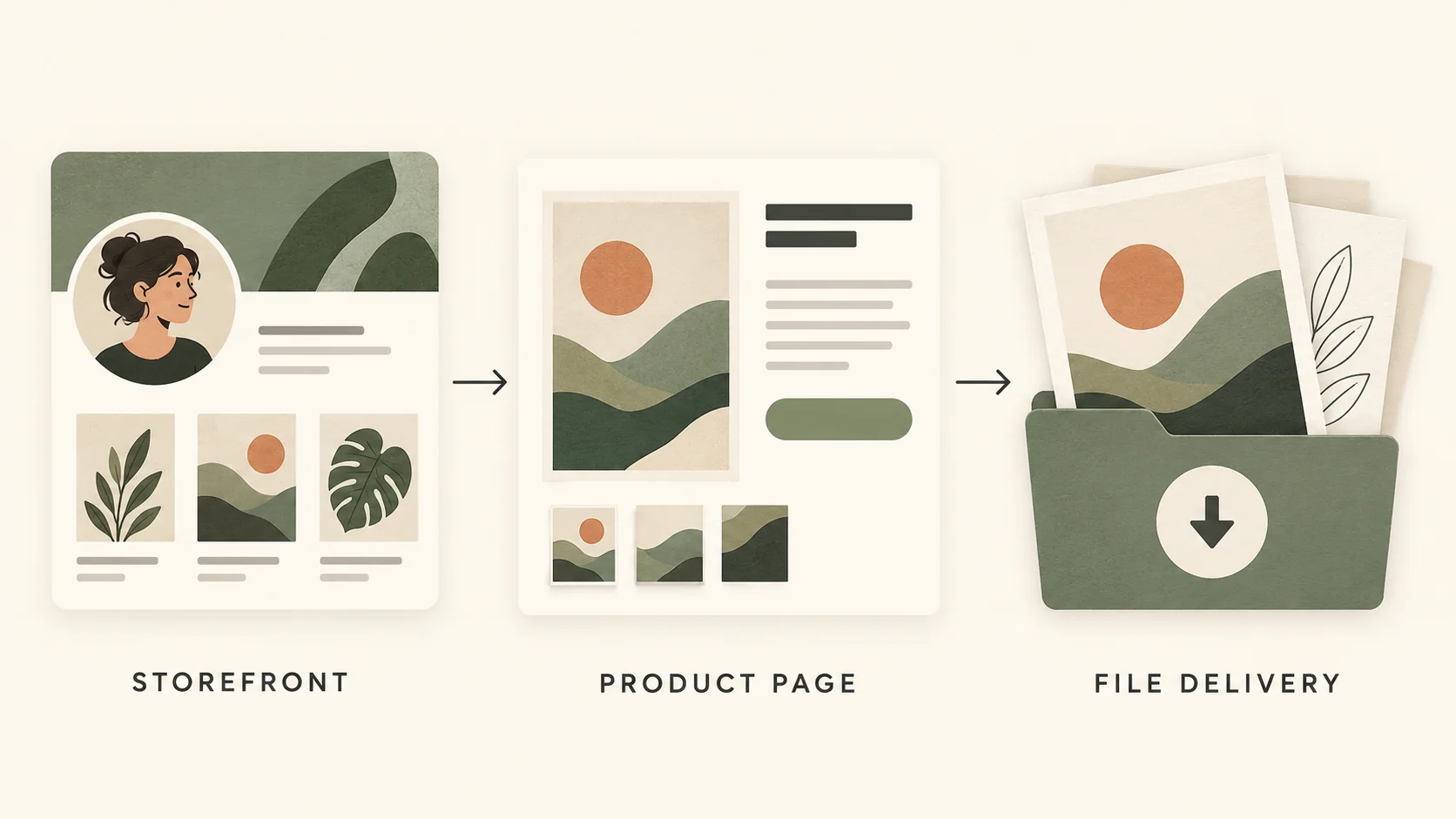
Edit three: Show the delivery inventory
Next, replace everything you need with an actual inventory. Our example includes three PNG artwork files and three editable SVG source files. It does not include printed posters, a Canva template link, or a custom design service.
Put the main inclusions near the preview and explain requirements before the purchase step. If the buyer needs compatible vector-editing software, say so. Useful exclusions are not negative copy.
They prevent a mismatch between what the visitor imagines and what your package contains.
Edit four: Match proof to the promise
Choose a preview that shows the actual designs at a readable size. A beautiful mockup can provide context, but it should not hide the product. Show enough detail for the buyer to evaluate the style and explain what parts are editable.
Avoid fabricated reviews, invented purchase counts, or unsupported savings claims. For a new product, an honest sample is useful evidence. The image, title, and description should describe the same version of the product.
If you update the package, update those previews too.
Edit five: Make the next step clear
Finish with a button or instruction that accurately describes the next action. Do not say instant download unless that is how your verified delivery works. In the VIKOC product form, the title, description, preview, price, and resource fields should tell one consistent story.
Review the draft on a phone and ask an unfamiliar reader three questions: what is included, what do I need to use it, and what happens next? If they have to guess, revise the relevant sentence rather than adding more promotional language.
Try it with one real offer
Replace “Amazing design bundle” with “Three editable café event posters.” Add exact formats, three named event uses, software requirements, usage terms and the exclusion of custom edits.
Common questions
What belongs near the top of a product page?
A specific product title, a useful preview and a short description of the buyer’s task. Make it easy to understand the offer before introducing secondary details.
Should I add reviews if I have no customers yet?
No. Use accurate previews, clear deliverables and instructions to build understanding. Never invent customer quotes or ratings.