The short answer
Before promoting a creator storefront, audit its first-screen message, main offer, preview clarity, mobile layout and customer path. Fix the earliest point of confusion before adding traffic or decorative elements.
First impression: Can a stranger identify the offer?
Open your storefront and read it as someone who has never met you. Does the name and introduction explain who you help and what visitors can find? A long biography can bury the useful answer.
For our café design example, a focused introduction might say original promotion resources for independent cafés. Adapt this illustrative copy to the audience and deliverables you actually serve. In VIKOC's profile tools, review the displayed name, image, skills, biography, and contact visibility.
Keep personal information public only when you intend it to be.
Main offer: Reduce competing decisions
Next, inspect the order and prominence of the offers. If the video you are about to share promotes a café poster pack, that pack should be easy to find. You do not have to remove every other product, but the page needs a clear hierarchy.
Our proposed improvement is to emphasize the relevant pack and group supporting resources below it. Apply the layout change to a draft, then review it on desktop and mobile. Use the design options actually available in your account and check the result before publishing changes.
Product details: Inspect the promise
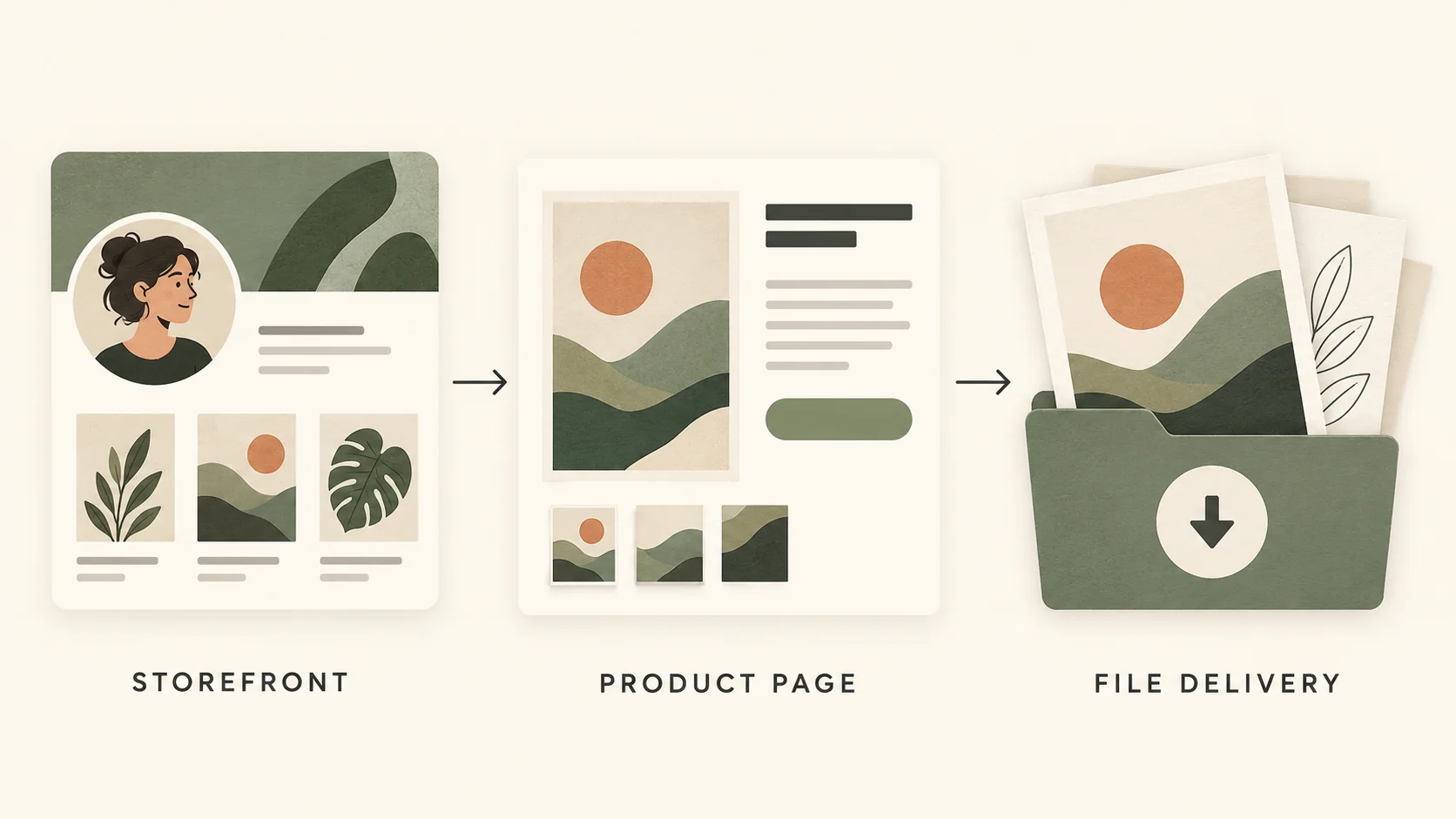
For the main offer, check the title, preview, price, included files, and requirements together. If the title says editable, the description should explain how editing works. If the preview shows three designs, the delivery inventory should match.
Remove unsupported claims and replace vague descriptions with concrete details. A standard pack should not look like a custom service unless customization is genuinely included. Open every resource you plan to deliver and verify that it is the correct version.
A strong store design cannot compensate for an inaccurate product promise.
Mobile journey: Check what people really see
Now inspect the page on a phone-sized screen. Look for readable text, useful image crops, and a visible next action. A desktop layout may place essential information much farther down on mobile.
In the VIKOC design tools, review the available desktop and mobile previews, then test the actual page where possible. Test the live customer path, including payment and delivery, before investing in promotion. For your own store, verify payment eligibility and the buyer's delivery path separately from the visual review.
Prioritize the fixes
Divide findings into blockers, clarity improvements, and decoration. A broken resource link or an incorrect delivery promise is a blocker. An unclear title or buried main offer is a clarity issue.
A minor color preference is usually decoration. Fix them in that order. Then ask someone unfamiliar with the store what they think is being sold, what they would receive, and what they would do next.
Their explanation can reveal a gap that you stopped noticing. Record the change and recheck the affected step before spending more on promotion.
Try it with one real offer
Ask a new visitor to explain what the store sells, which offer they would open and what happens next. Note the first hesitation, fix it, and repeat the test on a phone.
Common questions
Should I redesign the whole storefront before promotion?
Only if the problems require it. Often a clearer introduction, better main-product preview or more obvious next step is a more useful first change.
What makes a storefront ready to share?
The intended buyer can understand the offer, follow the correct link and reach a verified purchase and delivery process. A polished appearance alone is not enough.