The short answer
To sell digital products online, choose one buyer and task, package usable files, explain exactly what is included, set a price, and connect a clear product page to verified payment and delivery. Start with one offer you can support rather than a large catalog.
Choose one buyer and one job
Start with the buyer, not the number of files. For our example, the buyer runs a small café and needs to promote three things: a new menu, a weekend brunch, and a coffee tasting. That's a much clearer job than a folder called random social media graphics.
They share a visual style, but each one serves a different occasion. A useful pack makes a repeated task easier. Before you add more pages, ask one potential buyer what they would actually use.
Do they need printed posters, social posts, or editable layouts? That answer determines what you should make and what you should promise.
Make the deliverable specific
Next, decide exactly what the buyer receives. A finished image and an editable template are different products. A PNG can be ready to post, but that does not make its text editable.
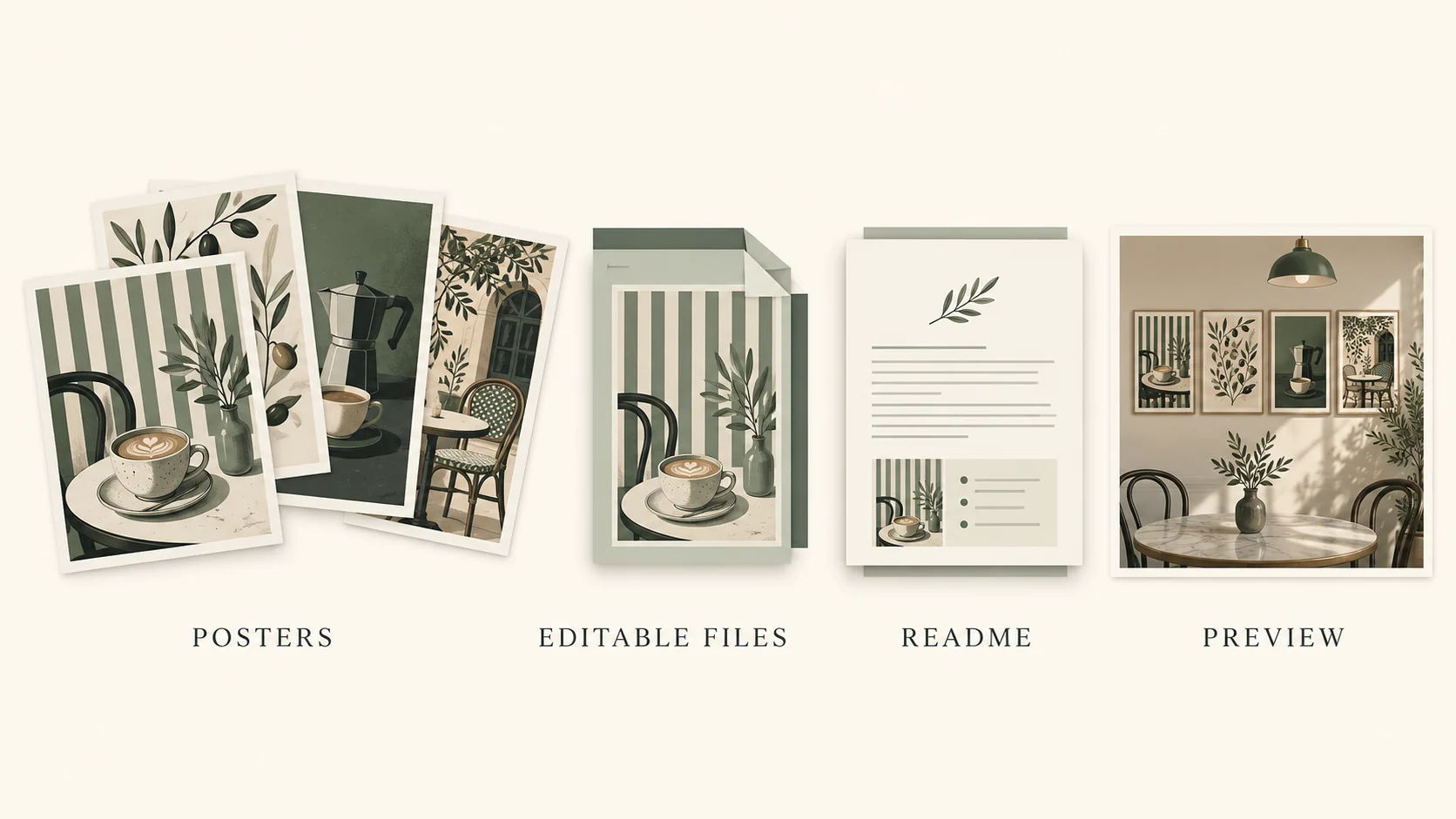
An SVG source file may be editable in compatible design software, but you still need to explain the requirements. Our demonstration pack contains three original poster designs, PNG previews, SVG source files, and a short read-me. The sample café name and event details are fictional.
Buyers would need to customize those details before using the designs for a real business. If you choose to sell Canva templates instead, use a working template-sharing link and test it from a separate buyer account. Check your plan's template-link availability and the licenses for the elements you use.
Don't call a preview image a Canva template.
Let the preview answer questions
Your preview should help someone make a decision. Show the whole pack first. Then show one design large enough to read.
Finally, explain what can be changed and what is fixed. For this café pack, that means showing the three occasions, the actual file formats, and the intended dimensions. If a font needs to be installed, say so.
If editing requires particular software, say that too. Keep the preview separate from the source files. Give everything useful names, and include instructions that make sense to someone who has never opened your project.
A beautiful mockup can catch attention. A clear preview tells the buyer whether the product will work for them.
Build a clear product page
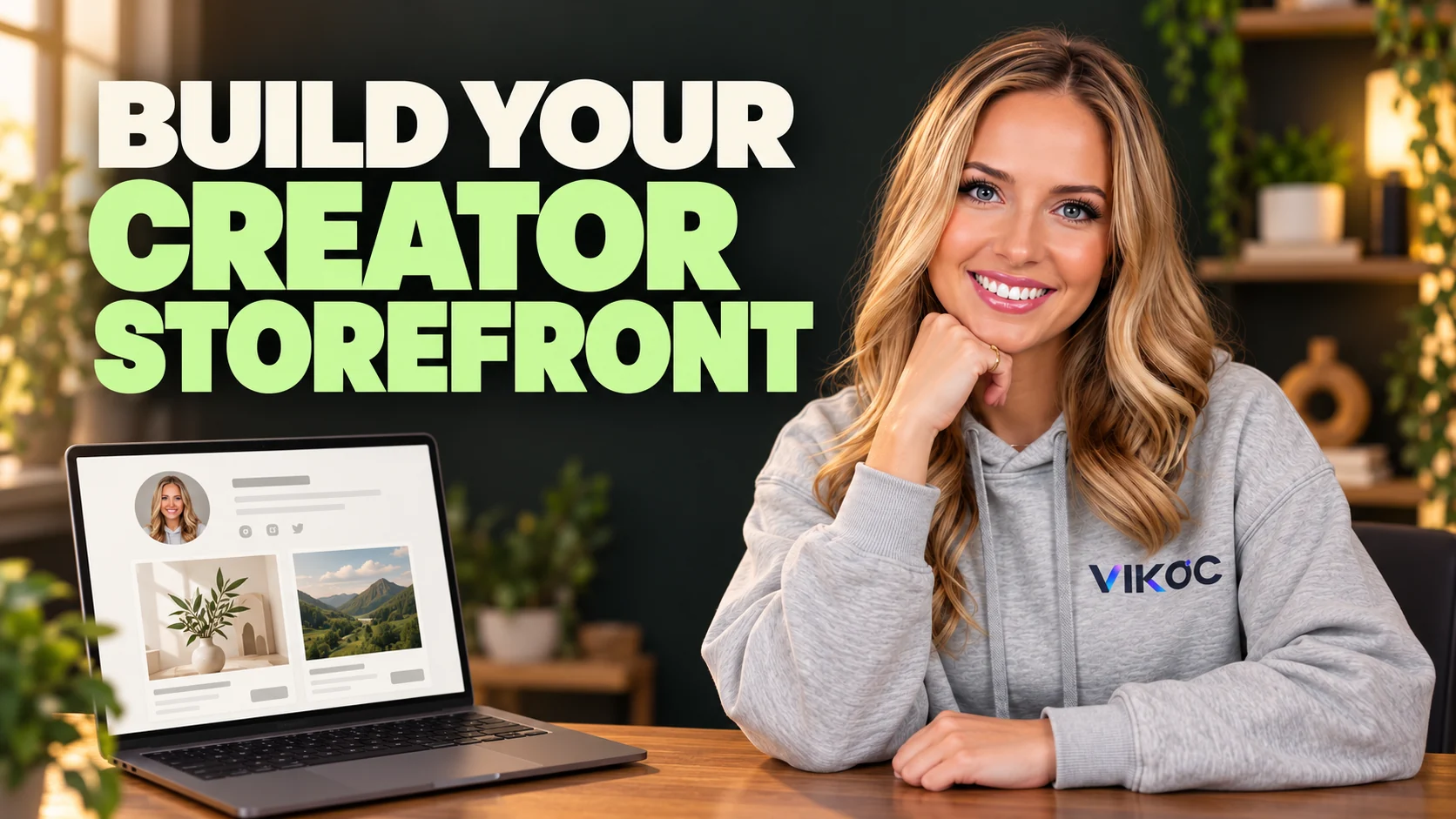
Now bring the offer together on a product page. We'll use VIKOC for the store example. Start with a title that names the product and the person it helps: Café Promotion Poster Pack.
Then use the first sentence to explain the job it does: three coordinated poster designs for a new menu, weekend brunch, and a coffee tasting. Add the previews, list the files, and explain the editing requirements. Separate what's included from what's not included.
For example, a downloadable design pack is not a custom design service, and it does not include printing. Choose a price you can test. If you use twelve dollars as an example price, that's an illustrative starting price, not a claim about market value or expected sales.
Before sharing the page, read it on a phone. Can someone identify the product, see the examples, and find the next step without guessing?
Check access before promotion
A good-looking page is not the end of the process. Check the link from a separate browser session. Confirm that it opens the intended page, the price and description match your offer, and the next step is available to the intended buyer.
Then verify the delivery method you actually use. Open the files, read the instructions, and check every included link. For editable templates, test whether a buyer can create their own copy without changing your original.
If you have not tested checkout and delivery, you have not verified the complete purchase journey. Finish that check before calling the product ready to sell. A visible product page alone does not prove that payment or delivery works.
Promote the problem it solves
Now make a short post about the buyer's problem. For example: launching a weekend brunch and still need a poster? Show one design, point out where the event details belong, and show the finished result.
That connects the content to the offer. Someone interested in the result has a reason to inspect the pack. Use a clear call to action and a link placement your account actually supports.
The destination should match the product in the post. Don't send people to a page where they have to search for it. Then look at the steps separately: did people watch, did they visit the page, and did they take the next action?
Views alone won't tell you where the journey needs improvement.
Try it with one real offer
Write a one-sentence offer for a three-design café poster pack. List the PNG previews, editable SVG files and opening instructions separately. Ask a potential buyer which event they need to promote before expanding the pack.
Common questions
Can I sell a preview image as an editable template?
No. A flattened image is a different deliverable from an editable source file or working template link. Name the actual format and explain the software required.
Do I need many products before opening a store?
One complete, clearly described product is enough to test the buying journey. Add more only when customer needs and your delivery capacity justify them.