The short answer
To sell digital downloads, prepare a file that solves a specific task, test it outside your own working environment, and publish a product page that explains the format, contents, usage requirements and delivery method.
Choose one job for the guide
Our example helps a café owner plan one small event. Keep the scope narrow enough that the buyer can finish the task. A practical guide might cover the event idea, date and audience, promotional message, and a final preparation checklist.
It does not need to become a hundred-page business course. Organize the pages around decisions the buyer must make, rather than everything you know about the topic.
Make every page usable
Show a worked example before asking the reader to fill in their own information. For a coffee tasting event, the example can identify the audience, session time, capacity, and booking instruction. Then provide a blank planning section.
Use short headings and readable text. If the file is intended for printing, leave practical writing space. If it is for reading on a phone, test that the text remains comfortable without constant zooming.
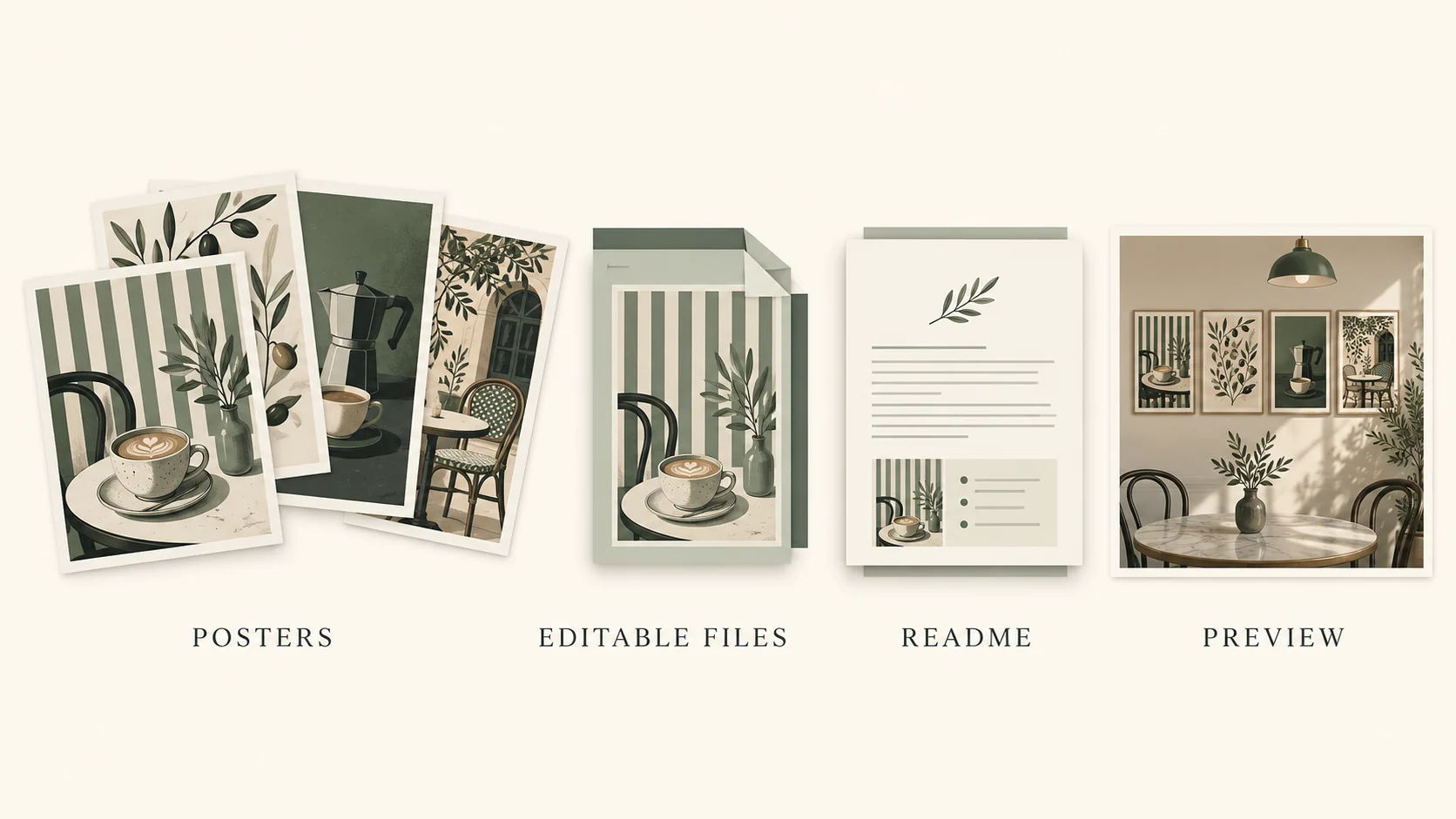
Package the actual deliverable
Export the finished guide as a PDF and open the exported file yourself. Check the first and last pages, page order, links, and any missing fonts or images. Give it a descriptive filename.
If you include several files, organize them in a clearly named folder or archive and add a short start-here note. Keep promotional preview images separate from the actual customer download, so the delivery is easy to understand.
Choose Digital product
In VIKOC, open Create content and choose Digital product. This format is intended for downloadable files such as guides, templates, and resource packs. Write a title that names the task, such as Café Event Planning Guide.
Use the subtitle to explain what is included. The cover should make the topic easy to recognize, rather than making claims that are not supported by the file.
Explain the offer precisely
In the offer details, describe the pages and the outcome they support. State the file format, intended audience, and any software requirements. A PDF guide is not automatically an editable design template, a personal consultation, or a printed book.
Say so where confusion is likely. Show real pages from the file in your preview. Do not promise a fillable form unless you have tested that the fields actually work.
Prepare delivery and price
Prepare the actual download in the details and checkout stage, and enter the intended price. Check that the delivery points to the customer file rather than a cover image or private editing page. Then inspect the offer as a visitor.
Before a real launch, verify the purchase and access flow using a supported test process. Before launch, test the real payment and delivery path with your configured account.
A simple release checklist
Finally, compare the listing against the final package. If you promise worksheets or bonus files, make sure they are included. Use material you created or have permission to distribute, and explain any restrictions that apply to the buyer's use.
Include a straightforward way to ask for help. Keep a versioned copy of what you deliver, so a later correction does not leave you unsure which file customers received.
Try it with one real offer
Package a short café event planning guide with a descriptive filename and a read-me. Open the final PDF on both desktop and mobile, then compare every promise on the sales page with the pages actually delivered.
Common questions
What should a digital download listing include?
Describe the intended user, included files, format, compatibility, license or usage terms, and how access is provided after purchase.
Does uploading a cover upload the purchased file?
No. The preview image and the delivered resource have separate purposes. Configure and test the actual file or link delivery.