The short answer
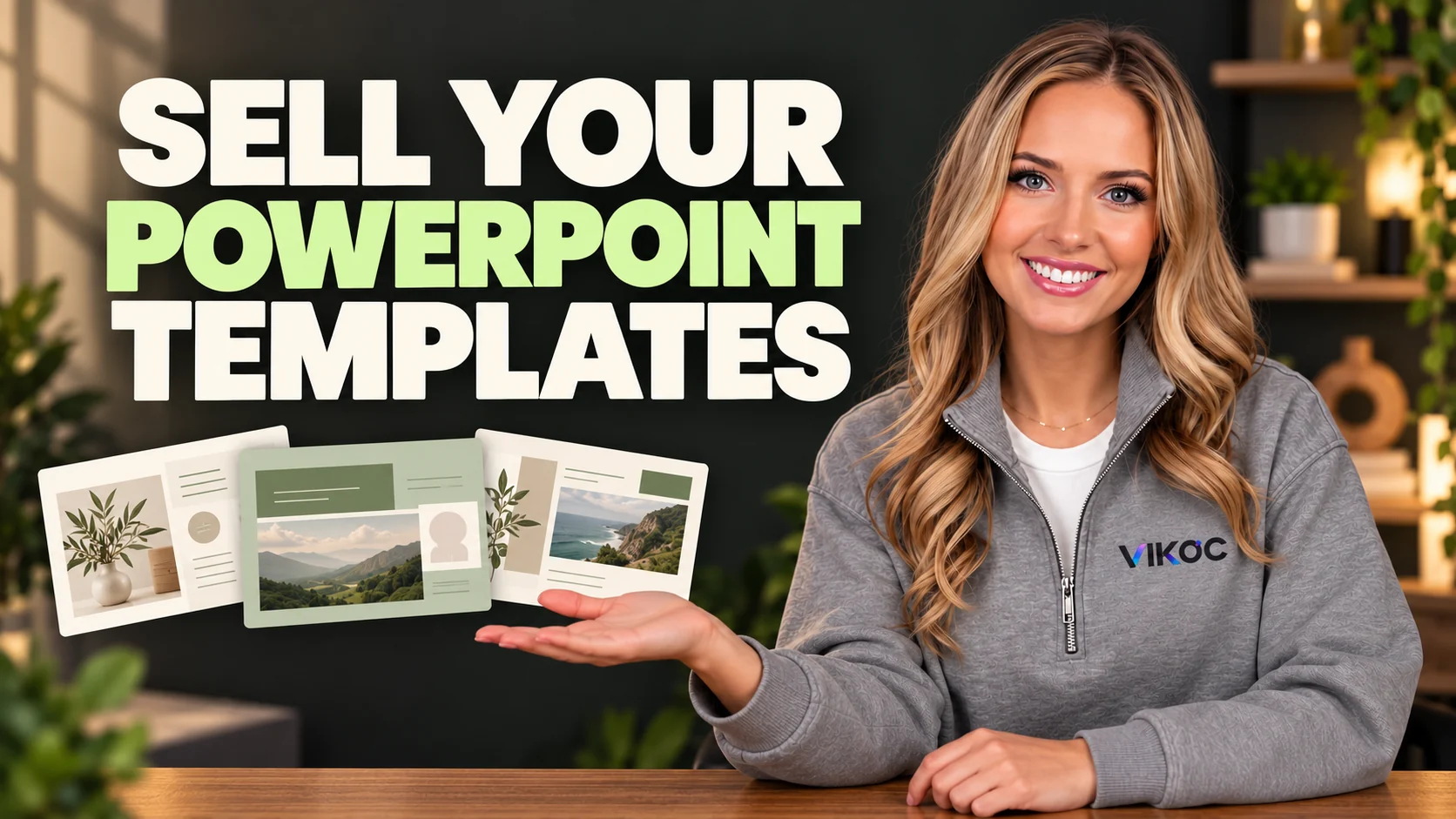
To sell PowerPoint templates, create an editable slide sequence for a specific presentation task, test the exported PPTX, and explain fonts, software requirements and what buyers can customize. Preview slides should represent the delivered file.
Choose a specific presentation job
Our example is a proposal for an independent consultant. The buyer needs to explain a client's problem, present a plan, define the work, and agree on a next step. Build the slide sequence around that conversation.
A focused proposal template is easier to explain than a huge pack of unrelated layouts. Give each slide a purpose, and make sure the sequence makes sense without a designer standing beside the buyer.
Build a useful slide sequence
A practical starting sequence includes a title slide, the client problem, the proposed approach, a timeline, the scope of work, and the next step. You can include a pricing or investment slide if that fits the use case. Use sample copy that shows how to structure an answer.
Label any sample figures as examples, and never present fictional client names or results as evidence of real work.
Make editing genuinely possible
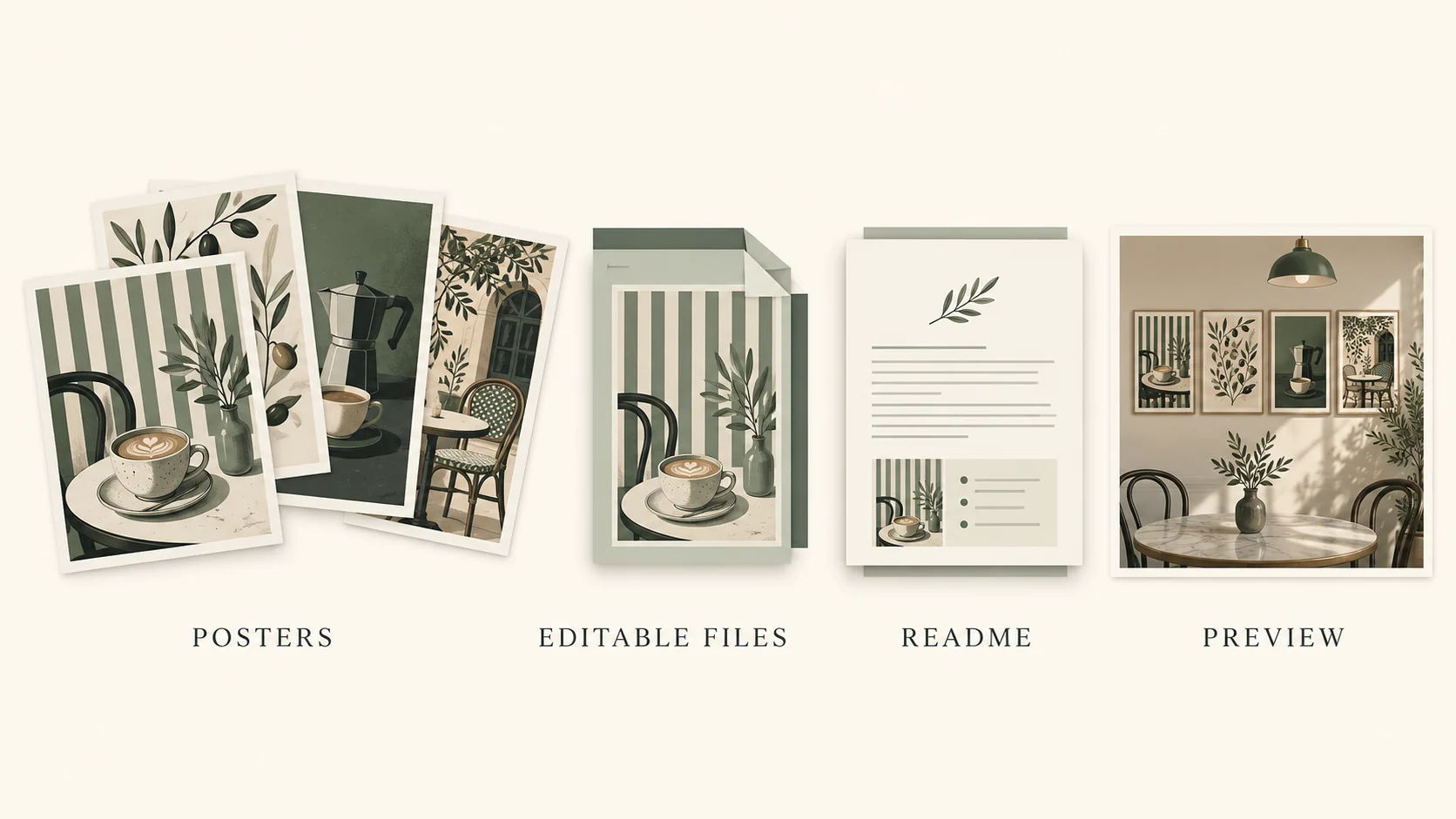
The main selling point is editability. Keep text as text and use native shapes for simple layouts. A screenshot of a finished slide is a preview, not an editable template.
Use consistent heading sizes and spacing so buyers can add content without rebuilding the design. Give placeholders useful labels, such as client goal or project milestone. If an image is only a preview asset, explain whether it is included in the download.
Test the exported file
Export the presentation and open the actual PowerPoint file. Change a headline to a longer one, replace an image, and edit a sample number. These tests reveal whether the layouts survive normal use.
Check for text overflow and missing fonts, then run the slide show. Only claim compatibility with software you have tested. A file that opens in one application may not keep identical formatting in every other presentation tool.
Package the template and guide
Package the editable file with a short instruction guide. Explain how to change colors, replace images, and adapt the sample content. List the fonts and any third-party assets, including where buyers can obtain them when redistribution is not permitted.
A PDF preview can help buyers inspect the design, but keep its role clear. The editable file and the preview should have distinct names, so the customer opens the right one first.
Create the digital product listing
In VIKOC, choose Digital product and describe the exact package. State the slide count, file format, intended use, and software requirements. Show a representative selection of layouts, including a text-heavy slide and a timeline, rather than only the cover.
Add the actual customer download and intended price in the details stage. Check the final listing against the files before publishing, especially if you change the template after making the previews.
Set honest expectations
A good listing explains the work the buyer still needs to do. They will replace sample copy, add their own facts, and review the proposal for their situation. Describe the permitted use of the template and any restrictions on reselling or redistributing the source.
Do not promise that a slide design will win clients or guarantee funding. Sell the useful structure and editing convenience that the file actually provides.
Try it with one real offer
Build a short client proposal sequence: title, problem, approach, timeline, scope and next step. Reopen the PPTX on a second setup and replace the sample text to check that the layout remains usable.
Common questions
Is a PDF a PowerPoint template?
A PDF can preview a presentation, but it does not provide the editable PowerPoint structure buyers usually expect. Supply the promised editable file and label previews separately.
Should sample client results appear in a template?
Fictional examples can illustrate a layout only when clearly labeled. Do not present invented companies, revenue or customer outcomes as evidence.