The short answer
To sell PowerPoint templates online, start with a useful deck for a specific audience, keep the promised elements editable, package the PPTX with previews and instructions, and connect the correct file to a clear product listing. Test compatibility before claiming it.
A specific buyer and a useful outcome
Start with the person who will use it. Our example is a small business owner preparing a short pitch. They need to explain a problem, describe their solution, outline an offer, and ask for a next step.
That gives the template a purpose. A big collection of unrelated slides is harder to describe. A focused deck lets you show exactly where it helps.
The listing and template in this demonstration are illustrative examples.
Build the story before the decoration
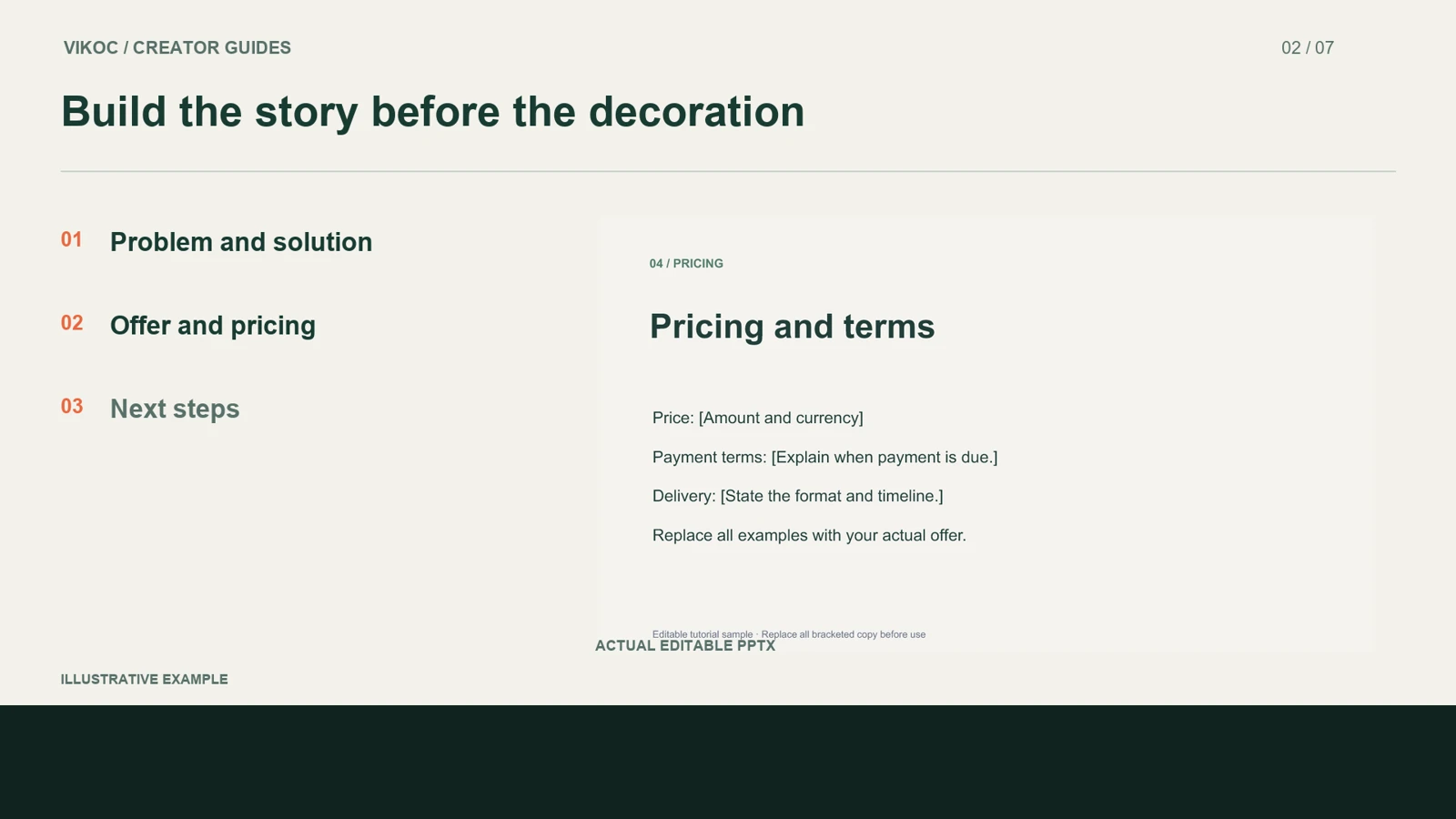
Here is the structure. The opening slide introduces the business. The problem slide explains what the customer is struggling with.
The solution slide shows the proposed approach. Then the offer slide defines what is included, followed by pricing and a clear next step. Keep the prompts short enough that someone can replace them with their own information.
Buyers should understand the story even before they change the colors.
Show what buyers can edit
Now check the actual file. Change the headline, replace the sample business name, and adjust an accent color. These are the ordinary edits a buyer will make.
Text needs to remain editable text. A flattened slide image can look good but cannot offer the same flexibility. Try a longer headline and inspect the spacing.
Use fonts you can name in the instructions, and only claim compatibility with applications you have tested.
Make the download easy to understand
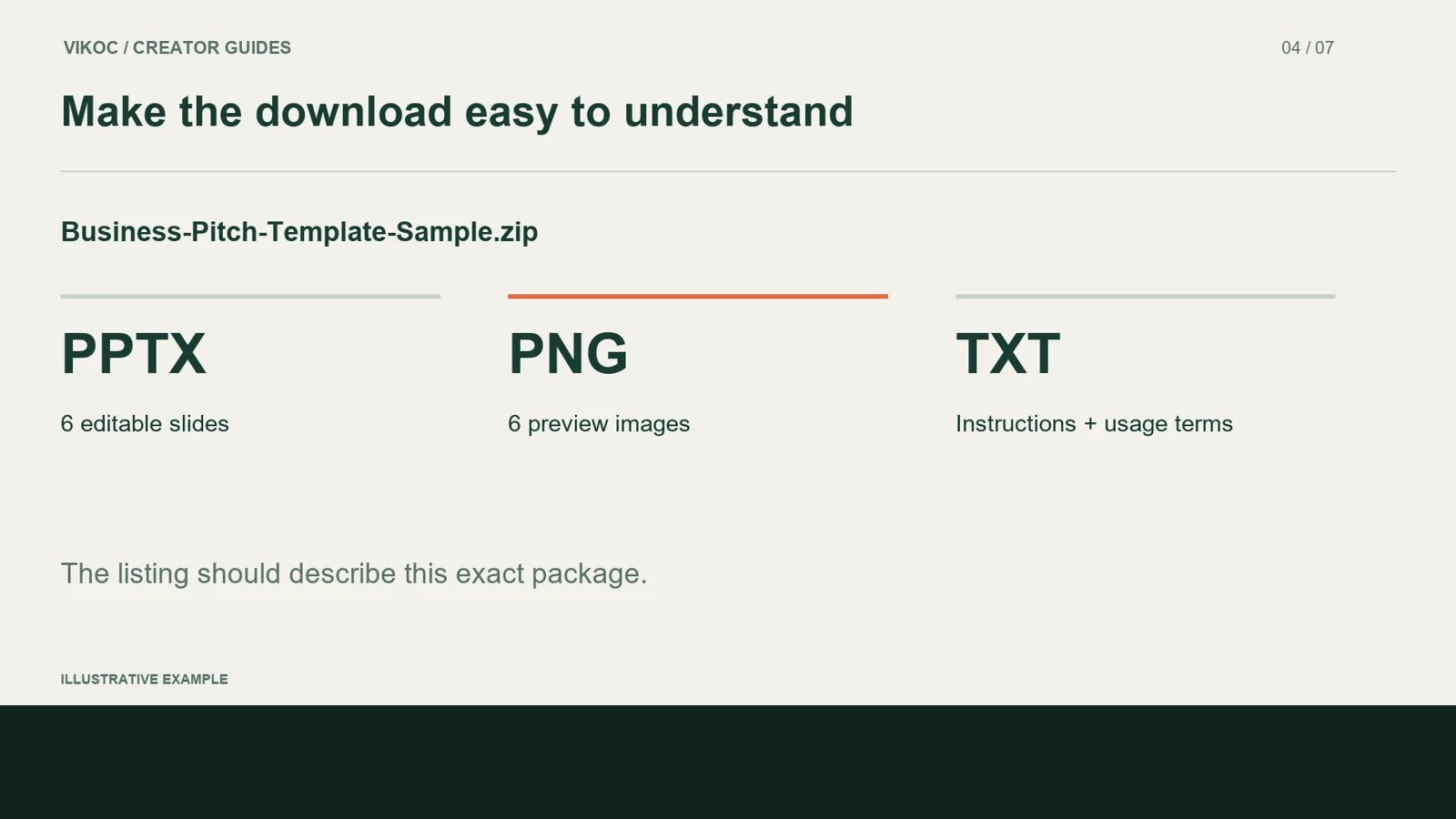
The download should be easy to understand when someone opens it for the first time. Put the editable PowerPoint file beside a preview and a short getting-started guide. Explain which parts can be changed, which fonts the deck uses, and what the buyer may do with the template.
If sample images are not included, say so. Keep the preview and editable file clearly named. The product description should match this exact package.
Create the digital product in VIKOC
Next, create a digital product in VIKOC. Use a title that identifies the use case, such as an editable business pitch template. In the description, state the slide count, file format, software requirements, and the included instructions.
Choose a cover that shows the design clearly. Add previews of the inside slides too, so visitors can judge more than the opening page. Here we are working with an example listing, rather than claiming a completed customer sale.
Connect the file to the offer
Attach the intended delivery file to the product and review the pricing details. A file sitting in your media library is not enough: check that this listing points to the correct download. Before sharing the page, compare its promises against the package.
Does the slide count match? Is the editable format clear? Can a visitor understand what they receive?
Review the buyer-facing page on a smaller screen as well, because many people will arrive from a phone.
A template and a custom service
You can also offer custom presentation work separately. The template gives buyers a structure they adapt themselves. A custom service means you do the adaptation, so explain the required brief, the deliverables, and the number of revisions.
Keep those offers distinct. That helps visitors choose the level of support they need, and helps you avoid promising personalized work inside a standard template download.
Try it with one real offer
Edit the headline, business name and accent color in one pitch deck. Test a longer heading. Reopen the package from a buyer’s perspective and compare its files with the listing description.
Common questions
Can flattened slide images be sold as editable PowerPoint templates?
Do not describe them as editable text or shapes. Explain which elements remain editable and demonstrate the actual file, rather than relying only on a visual mockup.
How should I verify this in my own VIKOC account?
Compare the available controls with the offer you intend to deliver. Review the public destination as a visitor and record which setup, payment or delivery steps were actually tested. A local demonstration is not proof of a completed customer transaction.