The short answer
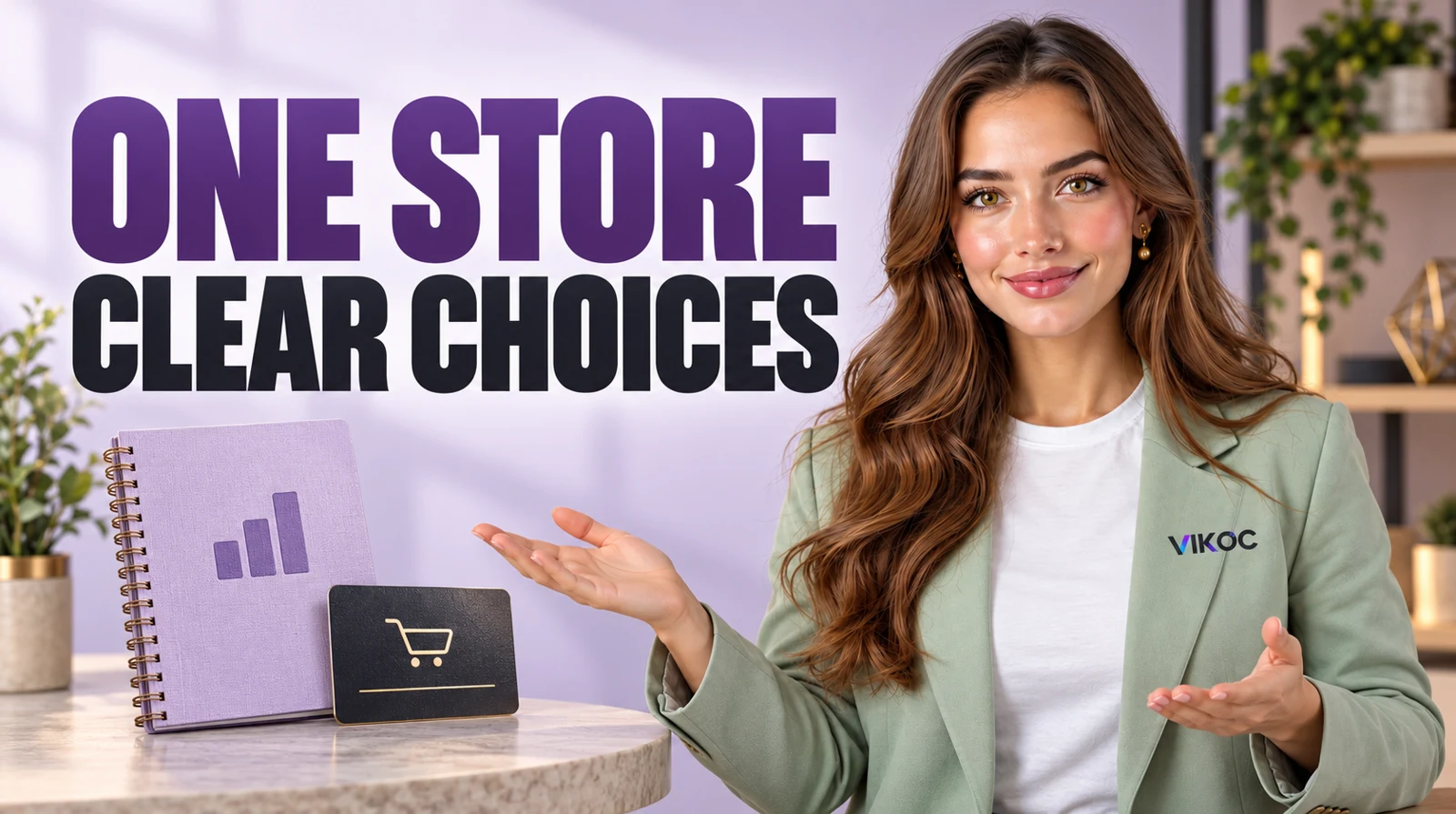
Organize products and services in one store around the buyer’s task: use a ready-made resource or hire someone for custom work. Distinguish downloads, defined services and inquiries through clear titles, previews and delivery explanations.
Group by the buyer’s task
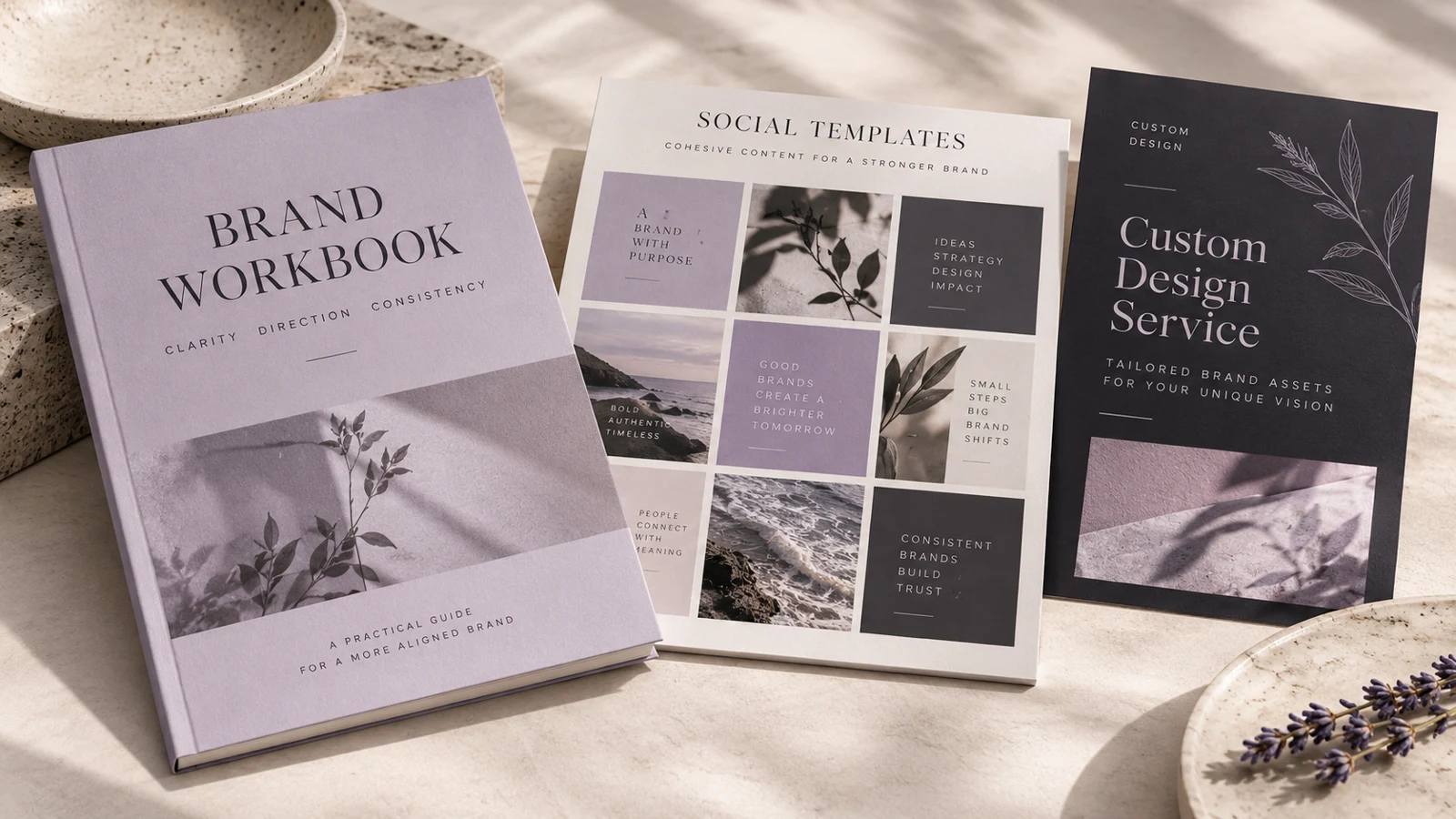
Our designer offers a brand workbook, a social template pack, and a custom identity service. Start with the choice the buyer needs to make: use a ready-made resource or hire the designer. This is more useful than grouping everything by the date it was created.
Write clear labels that describe the visitor's task. Keep the number of choices manageable on the first screen.
Explain the difference in delivery
Use the right offer type for each item. A workbook is a ready-made download. A defined custom package involves work after an agreed brief.
A complex project may need an inquiry before a quote. Make these differences visible in the titles and descriptions. A customer should not click a template expecting a personal design consultation, or buy a service thinking the finished files are available immediately.
Make covers comparable, not identical
Keep a consistent brand style while showing what each offer actually contains. A workbook cover can show sample pages; a template pack can show a selection of layouts; a custom service can show an approved example of the kind of work offered. Avoid presenting an example client project as the exact result every buyer receives.
Use the image and title together to communicate the distinction.
| Decision | What to check |
|---|---|
| Confusing | Same cover for every offer |
| Clear | Shared style, distinct deliverable |
Use the storefront controls available
In VIKOC, work with the layout and offer controls available in your account. Use a clear first offer and specific titles even if your chosen theme has limited grouping options. Do not describe an invented category widget as a platform feature.
Preview the public store and check whether a visitor can distinguish ready-made products from custom work without reading every paragraph. If not, simplify the order and wording.
Test two different visitor journeys
Walk through the store twice. First act as someone who wants a ready-made template and needs to check file formats. Then act as someone considering a custom identity and needs to understand the brief and timeline.
Note any point where the path becomes ambiguous. Remove unnecessary choices and repeat the test on a phone. Organization succeeds when different buyers can find the information relevant to them.
Try it with one real offer
Group a brand workbook, social template pack and custom identity service into understandable choices. Test the store once as a template buyer and once as someone looking for commissioned work.
Common questions
Can a digital product and a custom service use the same description?
Their delivery differs. A download is already prepared; a service requires work and an agreed scope. Make those differences visible before purchase.
Do I need identical covers for every offer?
Use a consistent visual identity but show what each offer contains. Sample pages, template layouts and a labeled service example answer different buyer questions.