
The short answer
A digital product page should explain three things: a representative preview, the exact deliverables and requirements, and a clear public next step. Check the description against the real files. A better explanation is not evidence of increased sales unless you measure that result.
Audit one controlled example
First: show a real preview. Don't just use a pretty cover. Let people see a page, a slide, or an example of the file.
Use one digital product for the entire review so that the comparison is understandable. Here the example is an editable business pitch template. The weak version says only that it contains professional slides.
The improved version explains the audience and names the package. This is an illustrative before-and-after, not a measured conversion experiment. Keep the same underlying product while changing the explanation; otherwise a viewer cannot tell whether the page or the offer itself has changed.
Replace decoration with evidence
Second: be specific about what's included. Is it a PDF, an editable template, a set of lessons, or something else? Say who it's for and what software they need.
The cover attracts attention, but an inside preview answers a different question: what will I receive? Show actual pages from the package rather than an unrelated mockup. For an editable template, include a simple edit demonstration so the buyer can see what remains editable.
Keep sample business names clearly marked. If an attractive image is only decorative, do not imply it is included in the download. A representative preview makes the product easier to evaluate without promising a result.
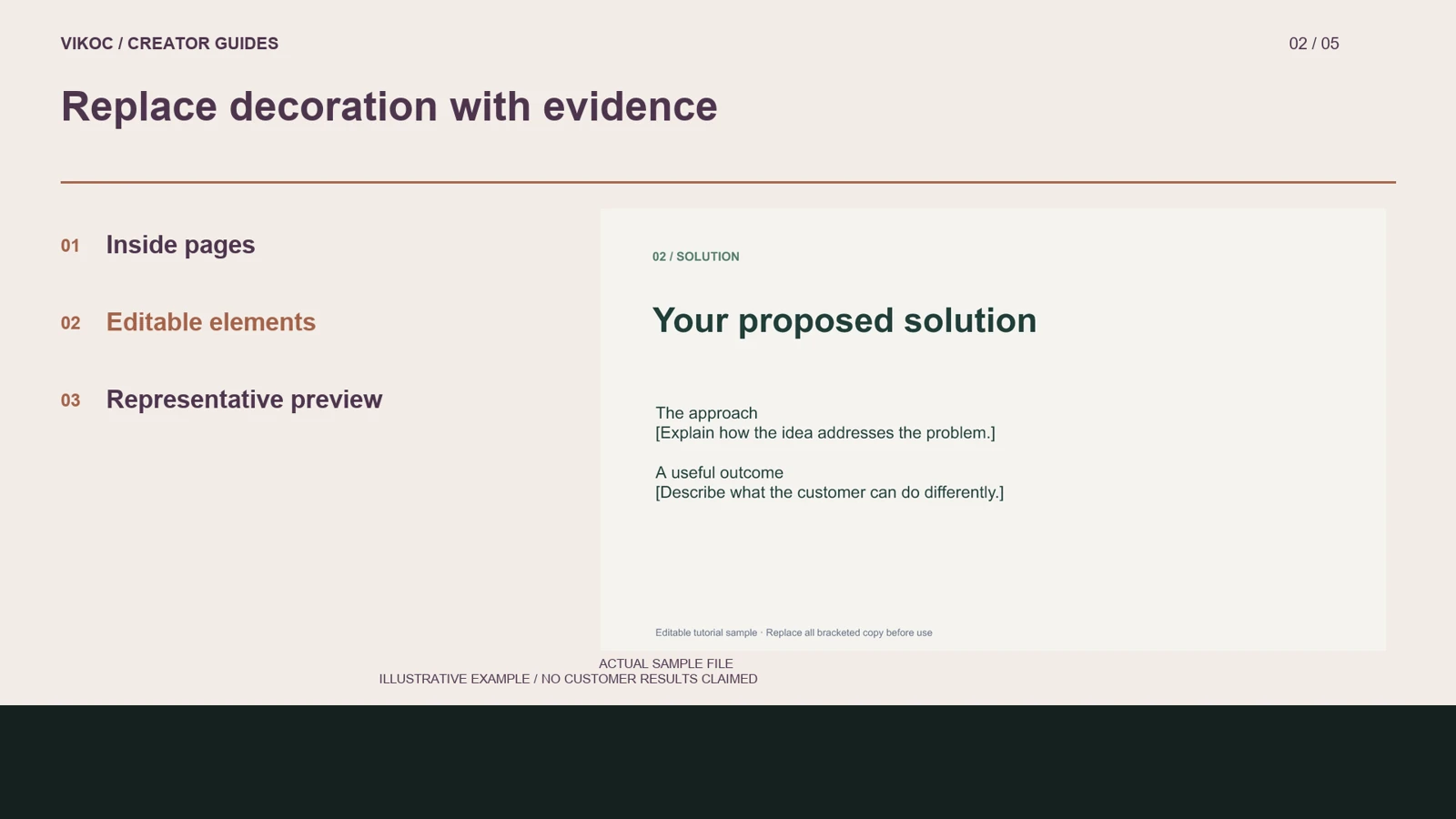
List exact deliverables
Third: make the next step obvious. The price, the purchasing option, and any delivery limits should be easy to find. Count the files, check their formats, and write a short list in ordinary language.
In our example, the package contains a PPTX, preview images, and instructions. State the software requirements you have actually tested. Explain usage permissions and anything that is excluded.
Avoid filling the description with broad adjectives while leaving these details unstated. Read the text beside the real package: every item promised should be present, and any important limitation should be visible before purchase.
Make a one-page review sheet
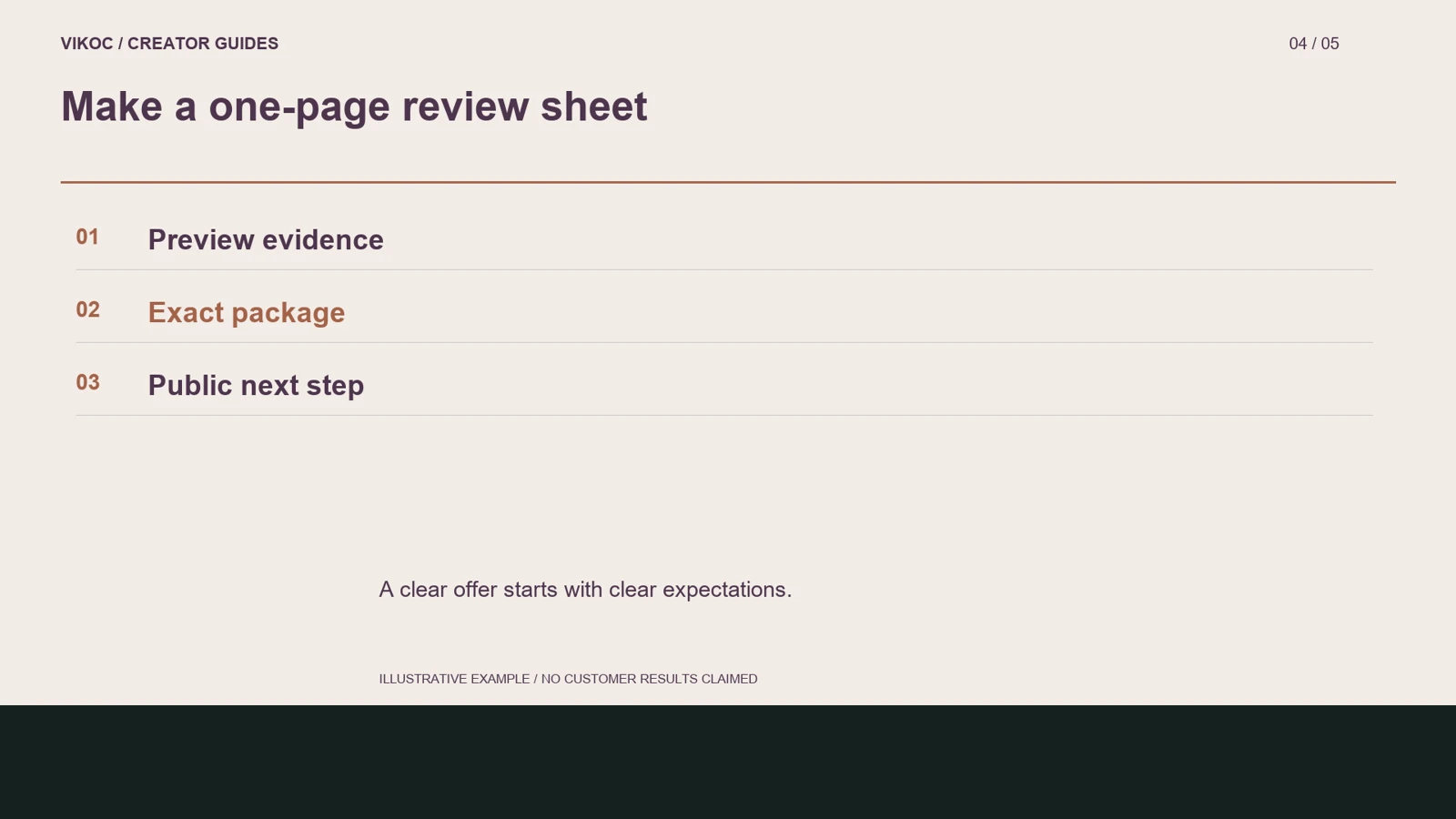
Create three rows for the same listing. In the first, record which inside preview is visible and which file it represents. In the second, list the exact deliverables and requirements.
In the third, record the public next step and what still needs testing. For the pitch-template example, compare the description with the actual six-slide package. If the guide says six slides but the archive contains another version, fix that mismatch before polishing the cover.
A simple review sheet also helps when you update a product later. Keep the old and new descriptions labeled as examples, and avoid adding invented percentages or conversion arrows. The visible improvement is clearer information, not a proven increase in sales.
Check the final action
Inspect the real public page, not just the editor. The displayed price, availability, and action need to match the intended offer. A saved file URL does not prove a completed payment or successful customer delivery.
Test those steps through the appropriate process before describing them as verified. Review the small-screen layout too. If the page makes a visitor guess where to continue, simplify the explanation and use the controls the platform actually provides.
Then keep a record of the version reviewed.
Try it with one real offer
Audit one six-slide pitch template. Record which preview represents which file, list all deliverables and tested software, and inspect the public price and availability. Mark untested checkout or delivery separately.
Common questions
Is an attractive cover enough to explain a digital product?
No. A cover helps recognition, while inside pages or an edit demonstration show what the buyer receives. Use representative material from the actual package.
How should I verify this in my own VIKOC account?
Compare the available controls with the offer you intend to deliver. Review the public destination as a visitor and record which setup, payment or delivery steps were actually tested. A local demonstration is not proof of a completed customer transaction.