
The short answer
You do not need Shopify specifically to sell digital products. You need a clear product page, an eligible payment method and verified digital delivery. Shopify is one option; compare its setup and operating requirements with a creator store or marketplace.
Publisher note: This guide is produced by VIKOC. Comparison details were checked against official documentation on October 22, 2026. Eligibility, plans and integrations can change; verify the terms for your account before choosing.
Assumption one: Digital products require Shopify
You do not need one particular platform to sell a digital product. You need a clear offer, a supported way to accept payment, and a reliable way to deliver what you promised. Shopify is one option, and its official documentation supports digital goods and services.
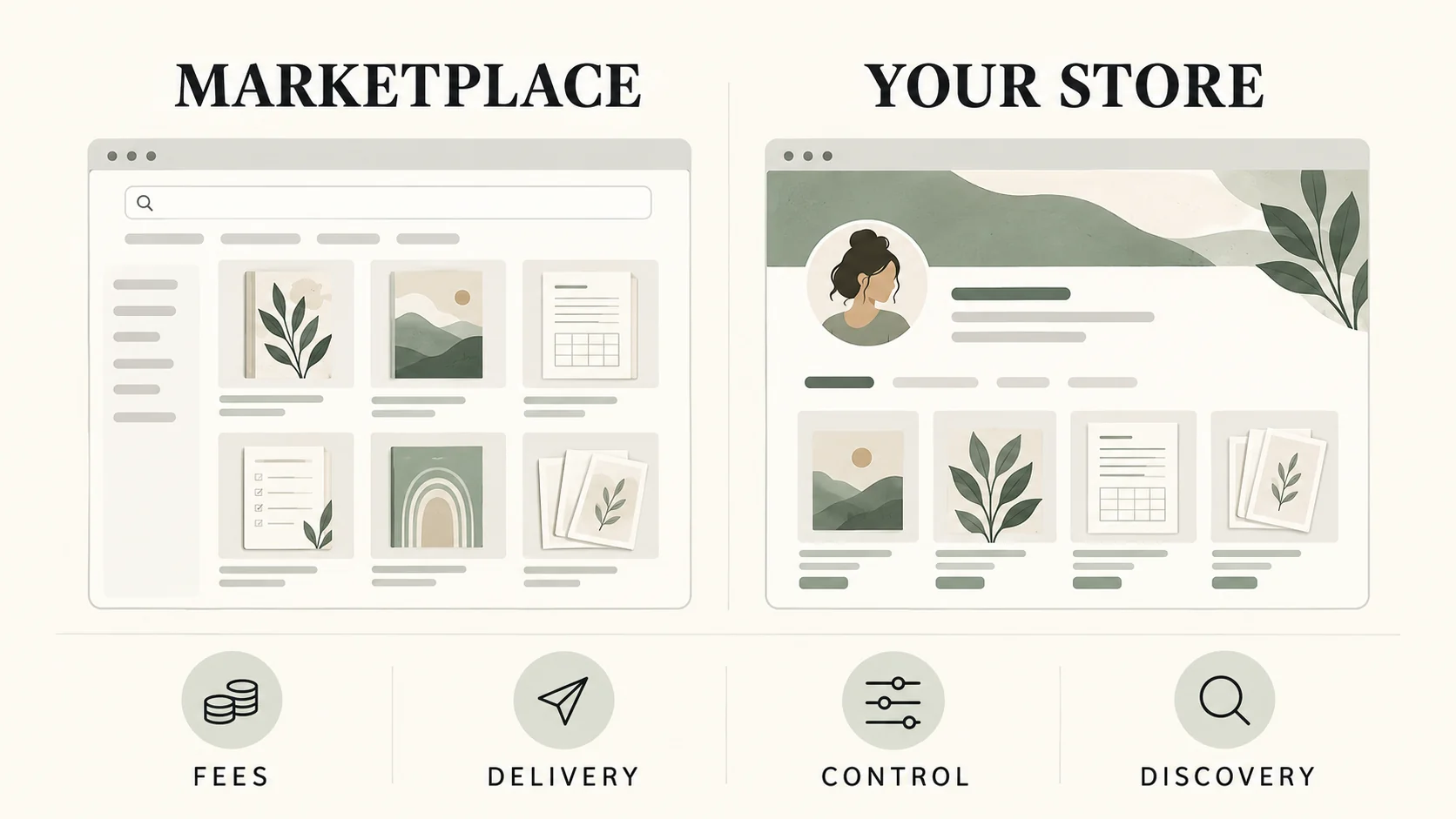
A focused creator store or an appropriate marketplace may also meet your needs. Begin with the job you need to complete. Choosing software before defining the product can leave you paying for features you do not use, while missing a smaller requirement that matters to your buyer.
Assumption two: A download works like a physical item
A digital download does not need a shipping address or a parcel. In Shopify, the official setup guidance describes removing shipping requirements for digital products and configuring digital delivery. The file or link must actually be connected through the supported delivery setup.
Do not assume that uploading a product image also uploads the purchased resource. A preview and a deliverable have different jobs. Test how the buyer receives access, and explain any software or account needed to open or edit the files.
Shopify’s current documentation requires an app to provide digital download links. Confirm that your chosen app delivers the purchased resource at the intended time, rather than assuming the product preview is the download.
Assumption three: More features always help
Imagine a creator selling one five-page planning guide. Her first priorities are a readable product page, accurate file details, payment eligibility, and straightforward delivery. Now imagine a business combining a large digital catalog with physical merchandise.
Its needs may include shipping, inventory, and a more involved catalog structure. These are different operating problems. A broader commerce platform may be worth evaluating for the second business, while the first creator should compare the simplest complete workflow.
This is a requirements comparison, not a claim that one type of store is always better.
Build a practical requirements table
Use three columns: essential now, useful later, and unnecessary. For the guide, essential now includes a mobile-readable preview, a description of the five pages, and verified delivery. Advanced catalog work may belong in useful later.
Put each requirement beside the actual platform feature or integration that serves it. Mark anything untested as an open question. VIKOC can be evaluated with the same checklist using its product and store tools.
A completed listing form does not establish that checkout is ready: test payments and delivery in your own account.
Compare the cost of the complete setup
Once the requirements are clear, calculate the operating cost. Include the current plan, any required apps, payment processing, and the time needed to maintain the setup. Check the billing period, region, and conditions on the official pricing page.
A promotional price should not become your long-term budget assumption. Then prepare one real product draft and follow the documented buyer journey. If a required step remains unverified, resolve it before treating the store as ready to sell.
A small practical trial is more informative than a long feature list.
Use a requirement checklist
| Requirement | What to verify |
|---|---|
| Payments | Seller eligibility, supported methods and applicable processor fees |
| Delivery | The purchased file or service reaches the customer as promised |
| Operating cost | Subscription, required apps, transaction charges and maintenance |
| Discovery | A realistic source of relevant visitors, not assumed traffic |
Try it with one real offer
Make three columns for a five-page guide: essential now, useful later and unnecessary. Put file delivery and mobile readability in the first column; assess broader catalog or shipping features only if your business needs them.
Common questions
Do Shopify digital products need shipping?
For a digital-only product, Shopify’s official guidance says to deactivate the physical-product shipping setting. Configure delivery of the actual file separately.
Is a product image enough to deliver a digital download?
No. Shopify’s documentation describes using a digital delivery app for downloadable files or links. Verify the app settings and the customer access path before launch.
Continue with a related task
- Best Places to Sell Digital Products: What to Compare
- Etsy vs Your Own Store: Where Should You Sell Digital Products?