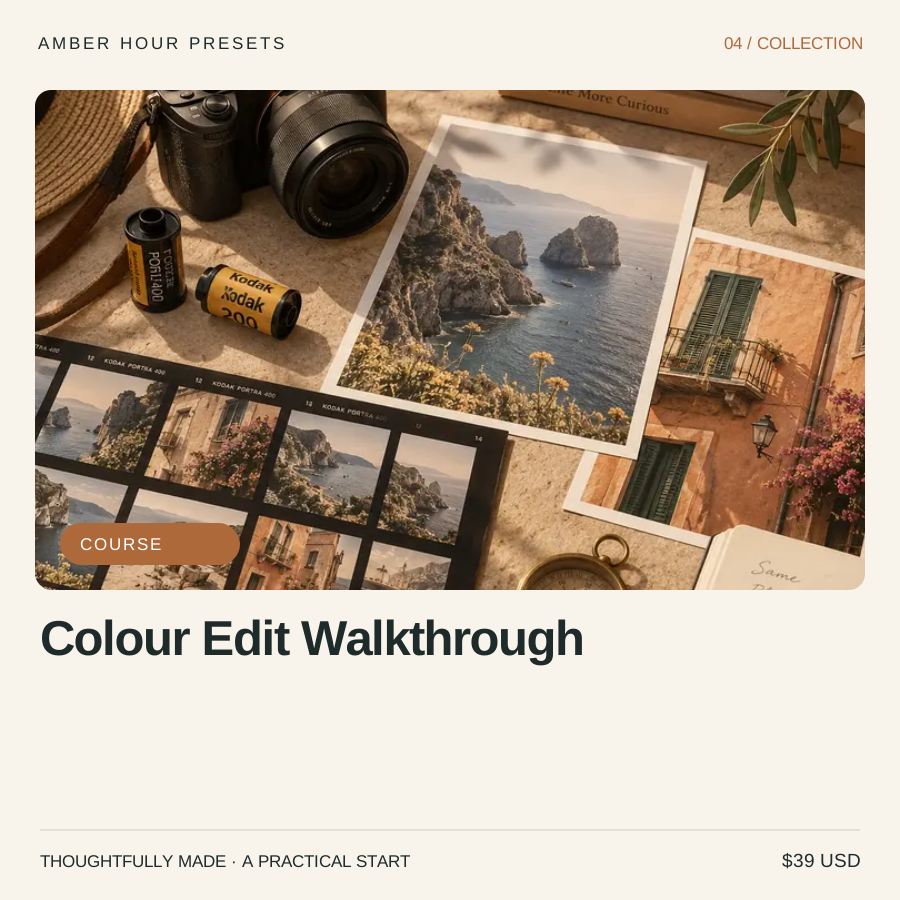
Colour Edit Walkthrough
Learn why an edit works before saving it as a preset.
- ✓5 editing chapters
- ✓Histogram and tonal balance basics
- ✓Colour separation exercise
- ✓Export quality checklist
Preview the experience. No card details required.
Made for the way you work.
Learn why an edit works before saving it as a preset. For photographers who want to move beyond one-click looks.
5 editing chapters
Histogram and tonal balance basics
Colour separation exercise
Export quality checklist
Start with something useful.
Make three versions of one photograph: neutral, warm and muted. Change only one group of controls at a time. Write down what each version makes the viewer notice first.
Open the full sample & worksheet ↗A few practical details.
Who is this for?
For photographers who want to move beyond one-click looks.
What is delivered?
Example lesson outline and sample exercise; image-editing software required.
Can I purchase or book this example?
This is a fictional demonstration brand made by VIKOC. Explore the catalogue and open samples without paying, registering or booking. No customer reviews or sales results are implied.
Can I build a store like this?
Yes. This shop uses a selectable VIKOC storefront template. Add your own brand, products, prices and delivery files to create your own business.